

March 2026. Photos must now be taken within one month of applying at His Majesty’s Passport Office — a more stringent expectation than most applicants anticipate — and it is becoming increasingly common for automated systems to identify non-compliant submissions before they ever reach a caseworker. With the UK continuing to experience high demand for passport applications, a new breed of digital passport photo technology is evolving from a convenience into a compliance necessity.
What Changed — and When
Under the current guidelines posted on GOV.UK by the HM Passport Office, a minimum standard is clearly set out: all UK passport photos must have been taken within the last month. This applies whether you are applying electronically via the GOV.UK online service or by post using a paper form.
The rule is part of a broader tightening of biometric standards. The ICAO is leading a global multi-year transition to new biometric encoding standards — ISO/IEC 39794 — which will affect passport photo requirements for more than 170 member countries through 2030. The UK’s current guidelines align with this framework. These are now confirmed by HMPO’s own official guidance:
- Photos must be taken within the last month
- Digital photos must have a minimum resolution of 600 pixels (width) × 750 pixels (height)
- File size must be between 50 KB and 10 MB (JPEG format)
- Photos must not be digitally altered using any filters, editing, or enhancements
- The background must be plain and light-coloured (white, cream, or light grey)
- Glasses are not recommended and may lead to rejection; sunglasses and tinted lenses are strictly prohibited
- Applications submitted with non-compliant photos will be delayed
The Essentials at a Glance
The above applies to all UK passport applications as stated on GOV.UK. Conditions vary by submission method (online versus paper), but content rules are uniform for both.
| Requirement | Available digitally (online) | Available in printed (paper) form |
| Freshness | Taken within the last month | Taken within the last month |
| Size | Min. 600px × 750px | 45 mm high × 35 mm wide |
| Head height | Proportional to the frame | 29–34 mm (crown to chin) |
| File size | 50 KB to 10 MB (JPEG) | Photo-quality paper, gloss or matte finish |
| Background | Plain, light-coloured (white/cream/light grey) | Plain, light-coloured (white/cream/light grey) |
| Expression | Neutral, mouth closed, eyes open | Neutral, mouth closed, eyes open |
| Glasses | Not recommended; tinted lenses not allowed | Not recommended; tinted lenses not allowed |
| Editing | No editing allowed | No editing allowed |
| Quantity | One digital file or photo code | Two identical prints |
| Official source | GOV.UK | GOV.UK |
Children under the age of six are not required to stare directly at the camera or maintain a neutral expression. Babies under one year old may have their eyes open or closed and can be held while the photo is taken — though no fingers should be visible in the image.
Why Are Applications Increasingly Being Rejected?
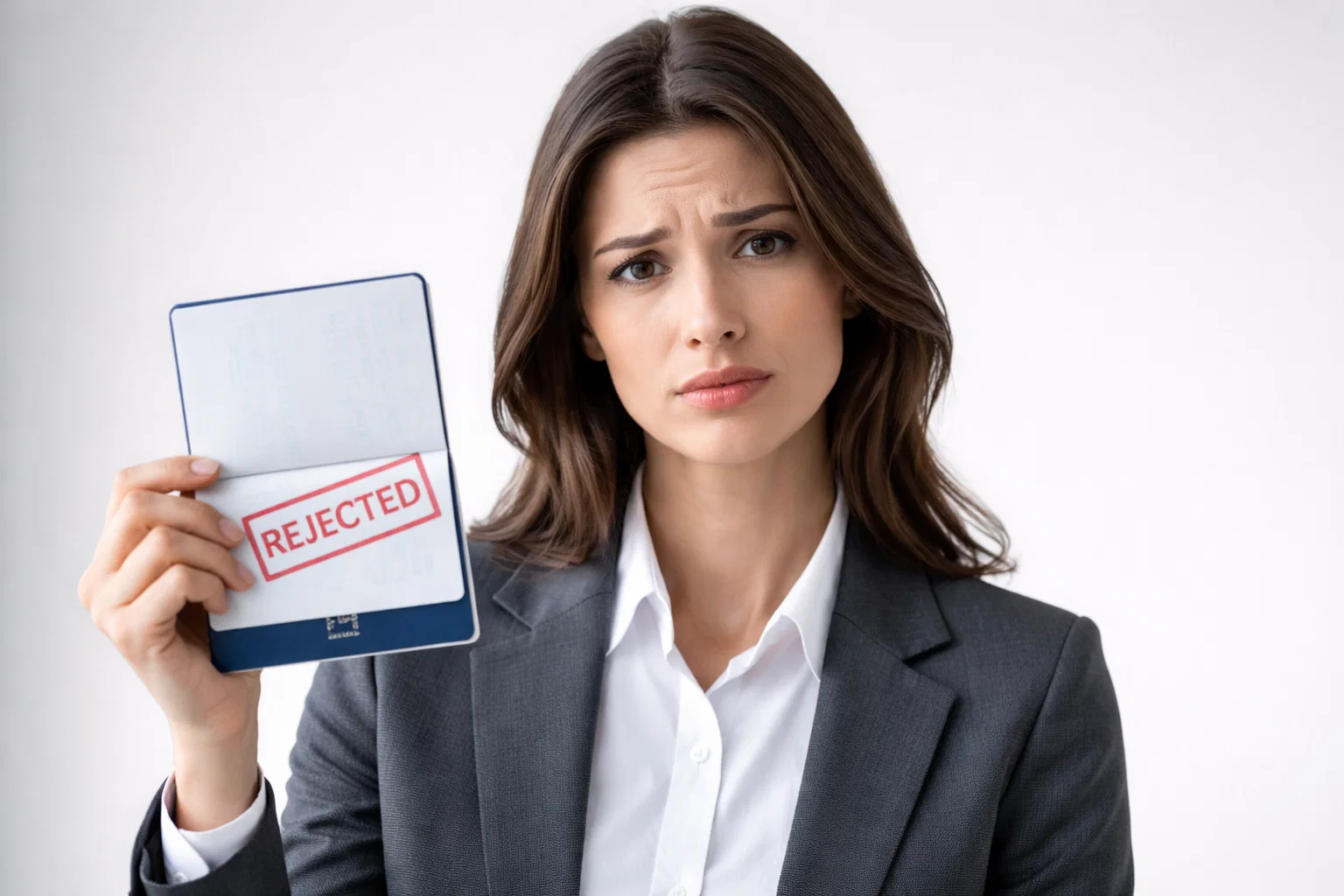
The one-month recency rule is not the only pressure point for applicants. HMPO has gradually expanded its use of automated checking systems that vet photos before a human caseworker ever assesses an application. These tools analyse background uniformity, facial positioning, lighting consistency, and image quality against a series of biometric metrics — and they flag or reject submissions that might have passed a less rigorous manual inspection.
The real-world impact is significant. GOV.UK guidance states that applications with non-compliant photos are “likely to delay processing” — a meaningful risk for applicants with firm travel plans. Photos taken on personal devices face greater scrutiny: HMPO plainly states in its guidance that “photos from a booth or shop are more likely to be approved than a photo taken using your own device.”
Several factors make compliance more difficult for everyday users. Smartphone cameras increasingly apply automatic post-processing — sharpening, skin smoothing, colour correction — that HMPO may treat as digital alteration. Home backgrounds are difficult to control to the required standard. And the one-month window is a tight constraint for applicants who take a photo early in the process and then encounter a delay further along.
The result is a compliance regime that is, by design, less forgiving than it was a few years ago — and one that is catching more applicants off guard.
How Digital Tools Are Adapting
The stricter regime has driven demand for a category of travel tech tool that barely registered as its own category until recently: the dedicated passport photo compliance app.
Where earlier smartphone photo tools focused primarily on cropping and resizing, the leading services in 2026 are built around a different promise: verifying that a photo meets the technical and biometric requirements of a specific document type before submission. For UK applicants working within a one-month recency window, this means checking background uniformity, head height ratio, image resolution, and the absence of digital manipulation — all against HMPO’s current guidelines.
This shift reflects a broader trend in travel tech. Within the UK’s large online travel market — forecast to be worth $31 billion in 2026, according to industry analysts — the most widely adopted tools are those that eliminate friction at high-stakes error points where mistakes carry real consequences. Passport photo compliance is one such nerve point: a rejected photo does not merely inconvenience an applicant, it holds up the entire application. In this environment, tools like PhotoGov have grown in demand, with services purpose-built around government photo standards attracting users who cannot afford the risk of a delayed submission. The broader market now ranges from free tools offering basic formatting functions to paid services that check for compliance and offer acceptance guarantees — serving a user base that has become much more aware of what rejection actually costs.
For UK applicants specifically, the most important capability to look for in any best passport photo app 2026 is alignment with HMPO’s current one-month recency requirement and its prohibition on digitally altered images.
What Applicants Should Do Now
The GOV.UK guidance is clear and actionable. Applicants who follow the photo guidance exactly are unlikely to face photo-related delays. Those who use old photos, home editing software, or assumptions based on a previous application are taking an unnecessary risk.
The following steps are required to meet current HMPO requirements:
- Take a new photo within the last month. Do not reuse a photo from a previous application, even if your appearance has not changed significantly. HMPO requires a new photograph with every new passport.
- Use a photobooth or professional service where possible. GOV.UK is clear that booth and shop photos have a higher approval rate than photos taken at home. When applying online, select the digital photo code option — this links your photo directly to your application.
- Check the technical specifications before uploading. Digital photos must be a minimum of 600px wide × 750px tall, between 50 KB and 10 MB, in JPEG format, and in colour. Do not crop the image manually if submitting via the GOV.UK online portal — the system will crop it automatically.
- Use a plain, light-coloured background. White, cream, or light grey, with no shadows, patterns, or objects in the background. This is one of the most common points of automated rejection.
- Do not apply any filters, edits, or enhancements. This includes automatic touch-up and image enhancement features built into smartphone camera apps. HMPO requires photographs that have not been digitally altered.
- Remove your glasses. Glasses must not be visible in your UK passport photo unless there is a documented medical necessity. Tinted eyewear and sunglasses are not permitted under any circumstances.
- Follow the age-specific rules for infants and young children. Children under six are not required to look directly at the camera. Infants under one year old may be photographed lying on a plain, light-coloured sheet from above, provided no hands or other supports are visible in the image.
Official Resources
All UK passport photo requirements referenced in this article are drawn from HM Passport Office’s official guidance, published and maintained on GOV.UK.
- Digital photo rules and how to get a photo code: gov.uk/photos-for-passports
- Printed photo specifications and full requirements: gov.uk/photos-for-passports/photo-requirements
- Apply for or renew a UK passport online: gov.uk/apply-renew-passport
Applicants who are unsure whether their photo meets current requirements should consult the GOV.UK guidance directly before submitting, as requirements are subject to change and the consequences of a non-compliant photo — a delayed application — fall on the applicant.
